Tips for Creating a Relaxing and Productive Home Workspace
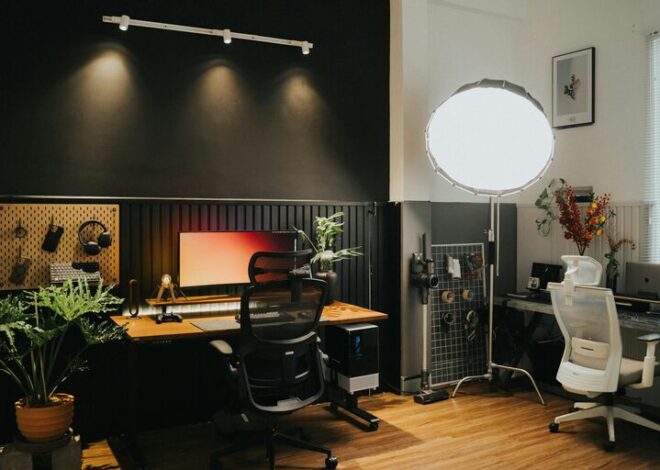
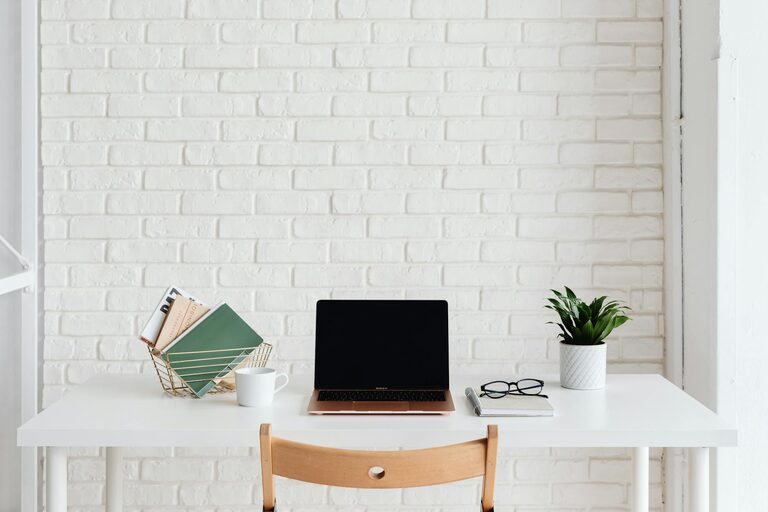
Creating a home workspace that feels both relaxing and productive can greatly improve your work-from-home experience. Whether you are freelancing, running a small business, or just need a dedicated spot for occasional work, the right environment helps you stay focused without feeling overwhelmed. In this post, we’ll explore practical tips for setting up a workspace that balances comfort and efficiency.
Why a Good Workspace Matters
Having a defined area for work separates your professional tasks from leisure, helping your mind switch between modes. A well-organized and aesthetically pleasing space encourages concentration and reduces stress. On the other hand, a cluttered or uncomfortable setup can decrease motivation and increase fatigue.
Choose the Right Location
Find a Quiet Spot
Select a part of your home that is as quiet as possible, away from high-traffic zones like the kitchen or living room. This reduces distractions and helps you maintain focus.
Utilize Natural Light
Position your desk near a window if possible. Natural light can lift your mood, reduce eye strain, and make your workspace feel more inviting.
Invest in Comfortable Furniture
Ergonomic Chair
Comfort is key to long work sessions. Choose an ergonomic chair that supports your posture to prevent back pain.
Proper Desk Height
Your desk height should allow your arms to rest comfortably so your shoulders stay relaxed. Adjustable desks can be a great option for varying your position.
Keep Things Organized
Declutter Regularly
Clutter causes stress and wastes time. Keep only essential items on your desk and organize the rest in drawers or shelves.
Use Storage Solutions
Incorporate shelves, baskets, or filing cabinets to keep documents and supplies neat and easily accessible.
Personalize Your Space
Add Plants
Plants not only improve air quality but also create a serene atmosphere. Choose low-maintenance varieties like succulents or pothos.
Use Calming Colors
Choose colors such as soft blues, greens, or neutrals for walls and accessories. These shades promote relaxation and focus.
Manage Technology Wisely
Quality Equipment
Invest in reliable hardware like a good computer, keyboard, and mouse. Also, ensure proper internet connectivity to avoid interruptions.
Cable Management
Avoid messy wires with cable organizers or clips. This keeps your desk tidy and reduces stress.
Incorporate Relaxation Elements
Take Breaks
Set a timer to remind you to take short breaks every hour. Stretch, hydrate, or do a quick breathing exercise to clear your mind.
Comfortable Lighting
Avoid harsh overhead lights. Use desk lamps with adjustable brightness settings for eye comfort.
Establish Boundaries and Routine
Set Work Hours
Create a consistent schedule to maintain a work-life balance. Clearly define when your workday begins and ends.
Communicate Space Usage
If you share your living space, make sure others respect your workspace during working hours.
Final Thoughts
Designing a relaxing and productive home workspace is about balancing comfort, organization, and personal touches that inspire you. Experiment with different setups until you discover what works best for you. Remember, a thoughtful workspace not only boosts productivity but also supports your well-being.
By following these tips, you can create a home workspace that feels inviting and efficient—ready to help you tackle your tasks with ease and calm.